Katalogs
/Monitors & Displays
/Digital Signage
/Signage Displays
/Display LCD 32" QM32C/LH32QMCEBGCXEN
SAMSUNG
Display LCD 32" QM32C/LH32QMCEBGCXEN
Manufacturer code LH32QMCEBGCXEN
EAN 8806097910374
- ManufacturerSAMSUNG
- CategorySignage Displays
- Warranty36 months
347,30 €price excl. VAT
excl. VAT incl. VAT
In supplier's warehouse · 10+ pcs · delivery 1-2 working days
In supplier's warehouse · 10+ pcs · delivery 3-4 working days
Lowest price
332,70 €
delivery 3-4 working days
Fastest delivery
347,30 €
delivery 1-2 working days
| Manufacturer | SAMSUNG |
| Manufacturer code (MPN) | LH32QMCEBGCXEN |
| EAN | 8806097910374 |
| Category | Signage Displays |
| Warranty | 36 months |
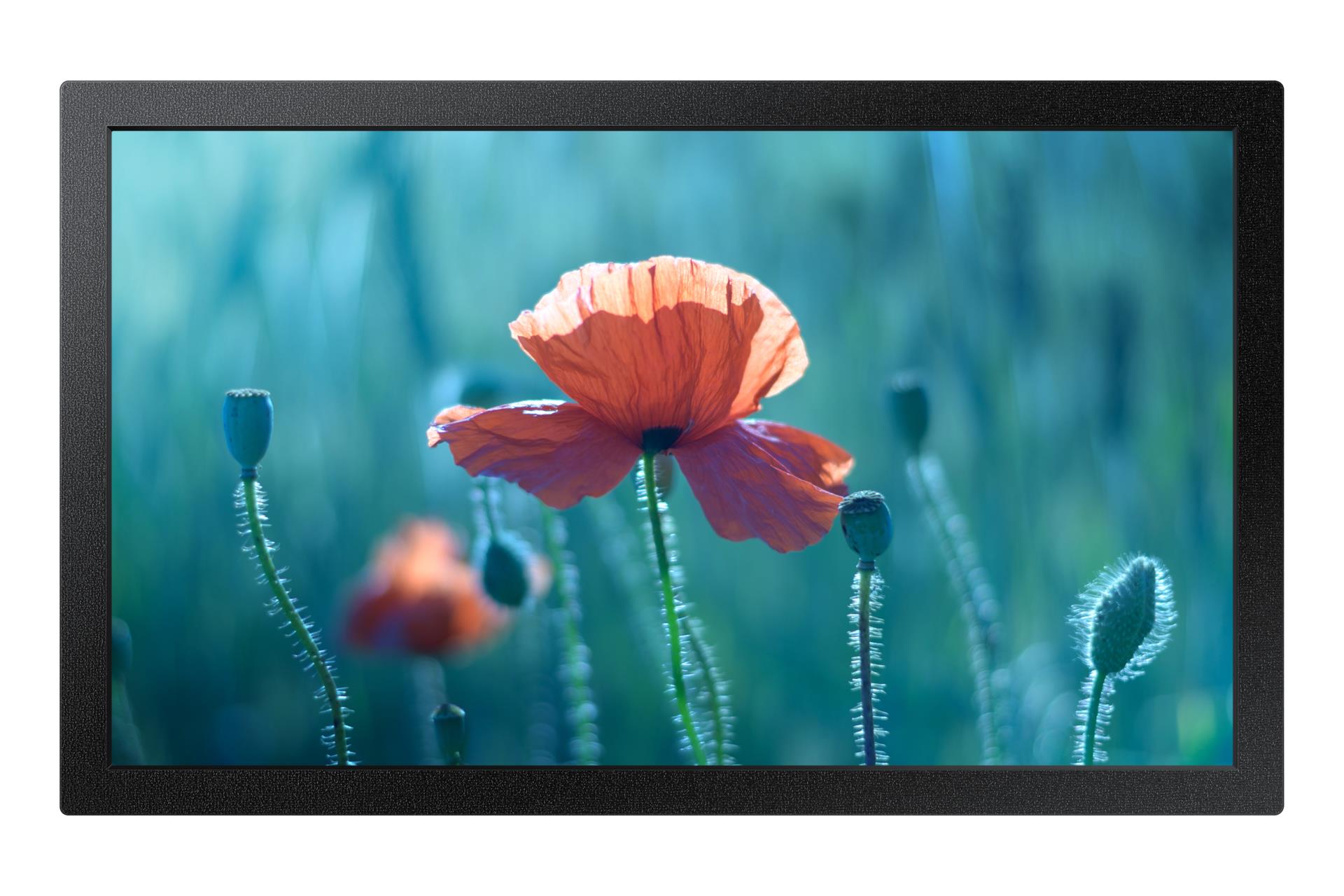
<ul> <li>Slim design with a shallow overall depth</li> <li>Bright 400-nit brightness</li> <li>Professional-grade display with built-in Tizen 7 media player</li> </ul> <b>Slim Design. Outstanding Performance.</b><br> Introducing Samsung’s ultra-slim QM32C display, designed to bring style to your business while making efficient use of space. Its enhanced internal features and intuitive user interface make it easy to use. Businesses across various industries can improve their operations with the efficiency and innovative design of the QM32C display. <br><br> <b>Makes a Big Impact in Small Spaces – Ultra-Slim Design</b><br> The QM32C is exceptionally slim at just 28.5 mm, allowing for neat and easy installation in a wide range of environments. Its slim design maximizes space efficiency and blends seamlessly into your business environment. <br><br> <b>Clear Viewing in Landscape or Portrait Mode – Uniform Bezels</b><br> The bezels are uniform on all four sides of the display. With consistent bezel dimensions, visual distractions are minimized when the display is installed in portrait orientation. <br><br> <b>Convenient Connectivity – User Interface</b><br> The QM32C is easier to use than ever thanks to its updated user interface. Popular categories such as Favorites, Sources, and Settings are all accessible from a single screen for greater convenience. The Favorites folder provides quick and easy access to frequently used functions. <br><br> <b>New Ways to Manage Your Display – Samsung VXT</b><br> Samsung VXT CMS is a cloud-based solution that combines content management with remote device management capabilities. It enables users to manage hardware settings remotely, troubleshoot issues, and easily create and publish content without requiring specialized training.
Warranty and RMA handling is provided by DELTA IT — you never have to contact the manufacturer or distributor separately.